Lorem ipsum dolor sit amet, consectetur adipiscing elit. Suspendisse varius enim in eros elementum tristique. Duis cursus, mi quis viverra ornare, eros dolor interdum nulla, ut commodo diam libero vitae erat. Aenean faucibus nibh et justo cursus id rutrum lorem imperdiet. Nunc ut sem vitae risus tristique posuere.
The rich text element allows you to create and format headings, paragraphs, blockquotes, images, and video all in one place instead of having to add and format them individually. Just double-click and easily create content. The rich text element allows you to create and format headings, paragraphs, blockquotes, images, and video all in one place instead of having to add and format them individually. Just double-click and easily create content. The rich text element allows you to create and format headings, paragraphs, blockquotes, images, and video all in one place instead of having to add and format them individually. Just double-click and easily create content.
The rich text element allows you to create and format headings, paragraphs, blockquotes, images, and video all in one place instead of having to add and format them individually. Just double-click and easily create content. The rich text element allows you to create and format headings, paragraphs, blockquotes, images, and video all in one place instead of having to add and format them individually. Just double-click and easily create content. The rich text element allows you to create and format headings, paragraphs, blockquotes, images, and video all in one place instead of having to add and format them individually. Just double-click and easily create content.
A rich text element can be used with static or dynamic content. For static content, just drop it into any page and begin editing. For dynamic content, add a rich text field to any collection and then connect a rich text element to that field in the settings panel. Voila!
A rich text element can be used with static or dynamic content. For static content, just drop it into any page and begin editing. For dynamic content, add a rich text field to any collection and then connect a rich text element to that field in the settings panel. Voila!
A rich text element can be used with static or dynamic content. For static content, just drop it into any page and begin editing. For dynamic content, add a rich text field to any collection and then connect a rich text element to that field in the settings panel. Voila!
A rich text element can be used with static or dynamic content. For static content, just drop it into any page and begin editing. For dynamic content, add a rich text field to any collection and then connect a rich text element to that field in the settings panel. Voila!
A rich text element can be used with static or dynamic content. For static content, just drop it into any page and begin editing. For dynamic content, add a rich text field to any collection and then connect a rich text element to that field in the settings panel. Voila!
A rich text element can be used with static or dynamic content. For static content, just drop it into any page and begin editing. For dynamic content, add a rich text field to any collection and then connect a rich text element to that field in the settings panel. Voila!
Headings, paragraphs, blockquotes, figures, images, and figure captions can all be styled after a class is added to the rich text element using the "When inside of" nested selector system.
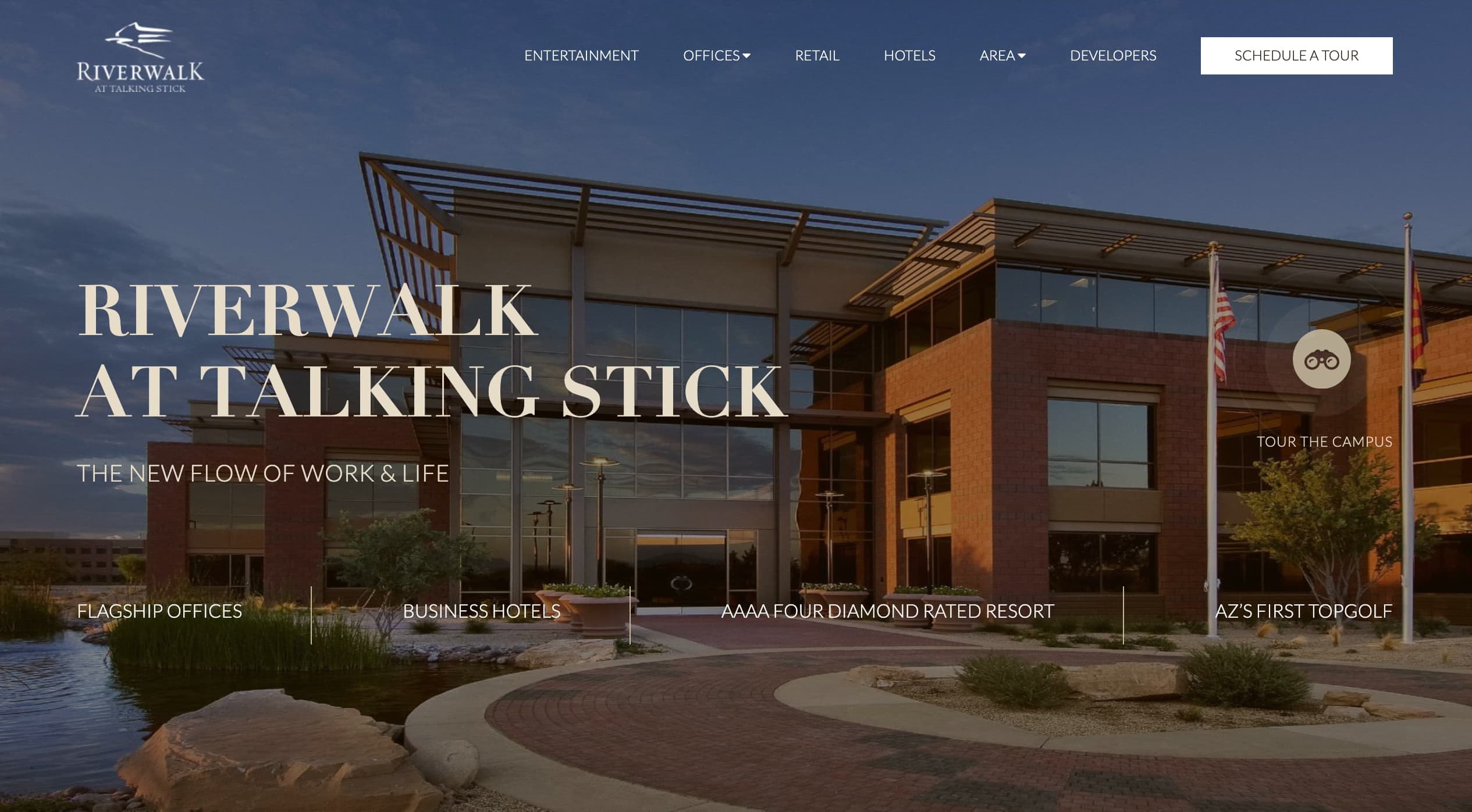
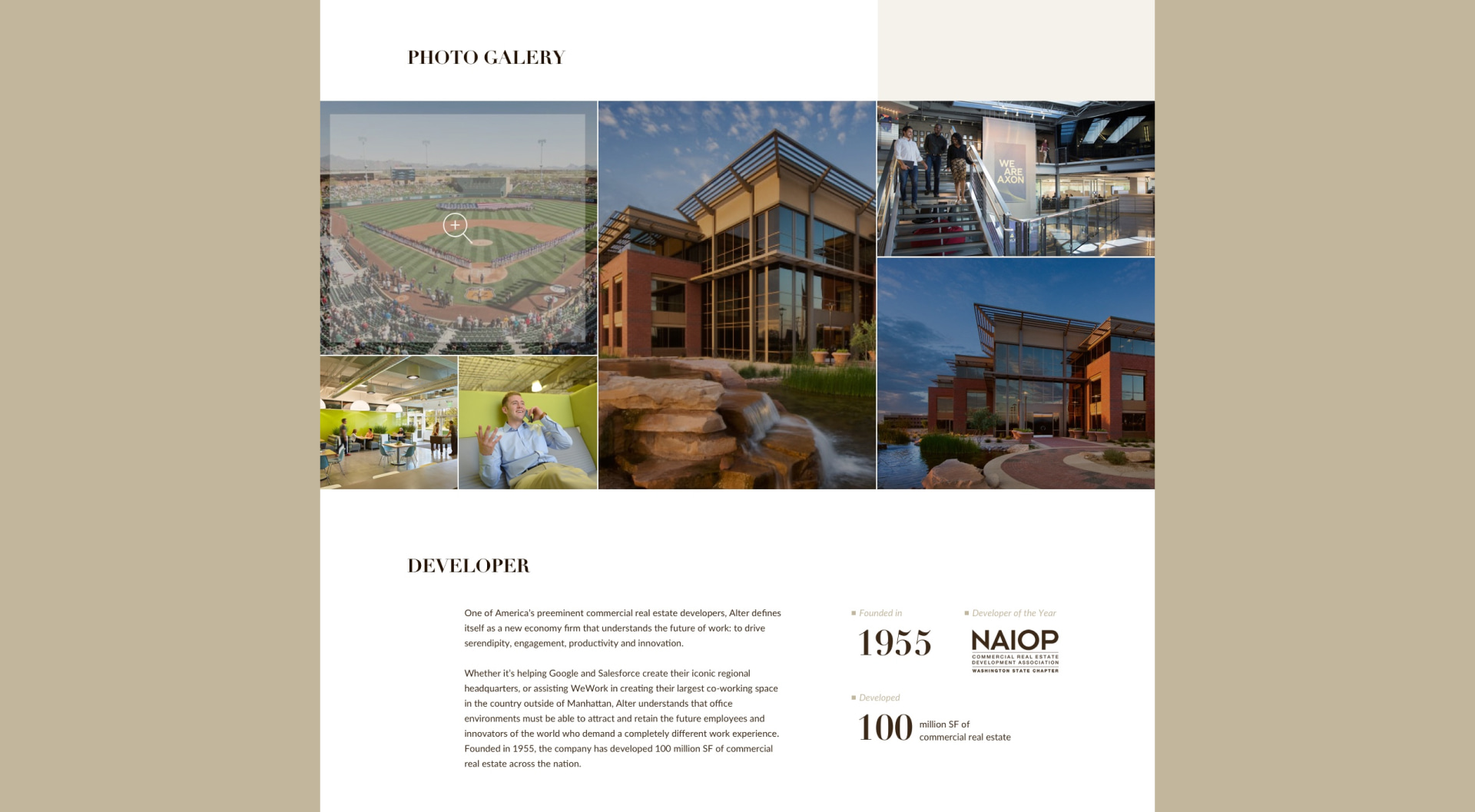
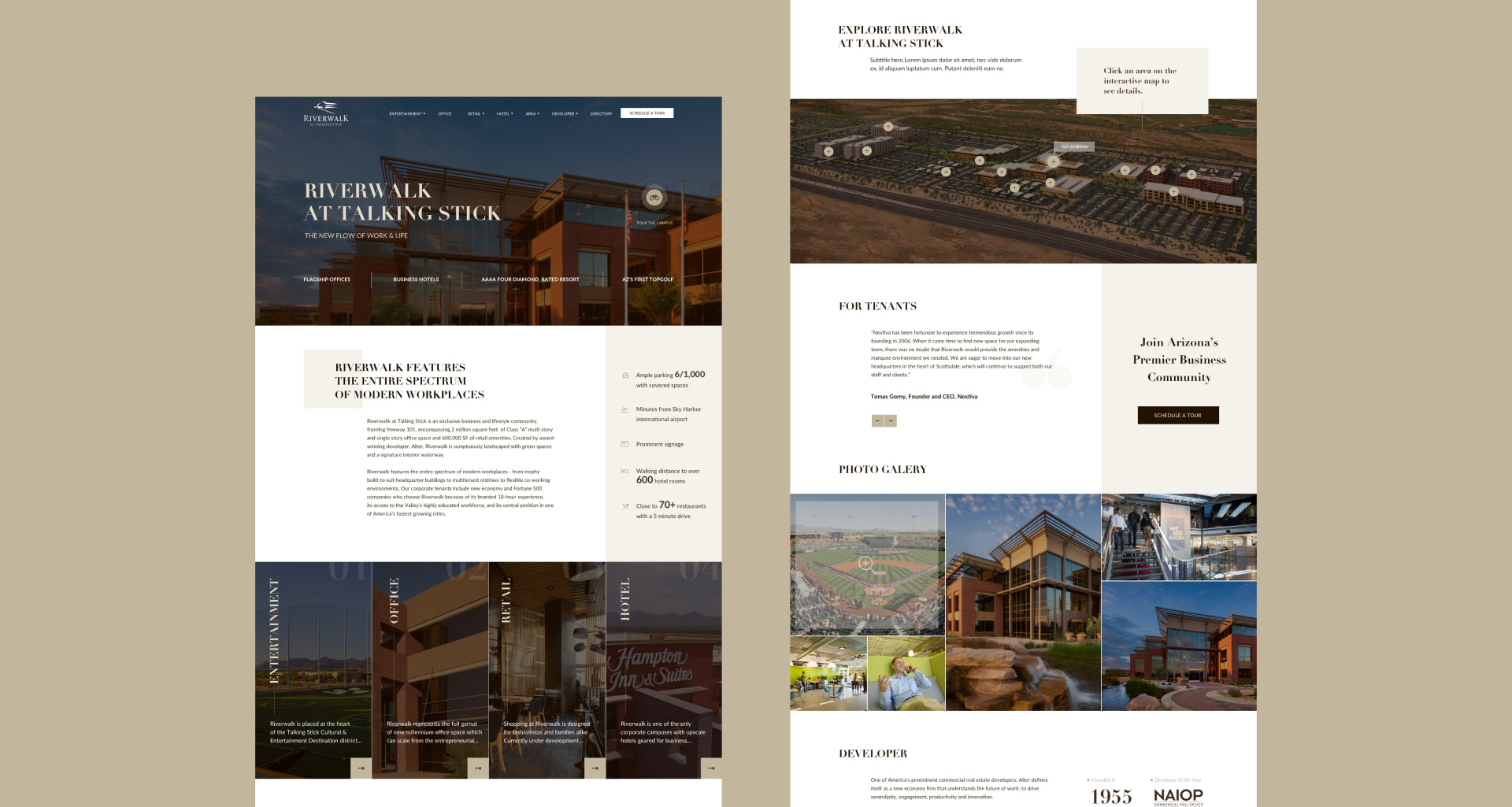
Website design from scratch for development company that built the Riverwalk at Talking Stick, an exclusive business and lifestyle community, encompassing 2 million square feet of Class “A” multi-story and single-story office space and 600,000 SF of retail amenities.
Audience: Small to big businesses, office and retail space tenants.
The main goal was to create a website design that should introduce development company’s (client’s) new object, include all important information about it and the area, attract the attention of potential customers and urge them to book the tour (to close a deal offline).
I started with competotors analysis including those provided by the client’s team. The key points that was taken from it and our internal discussion:
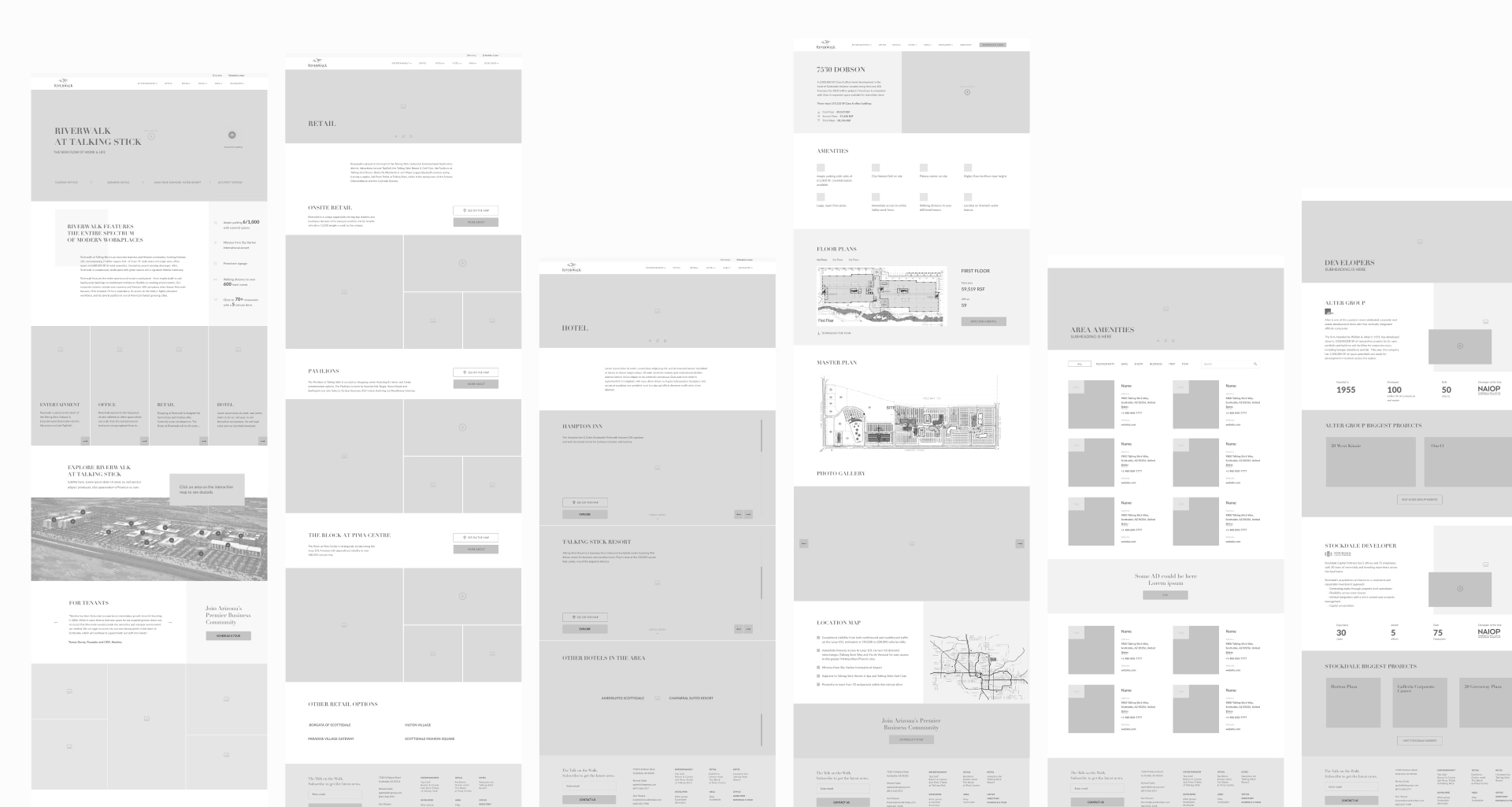
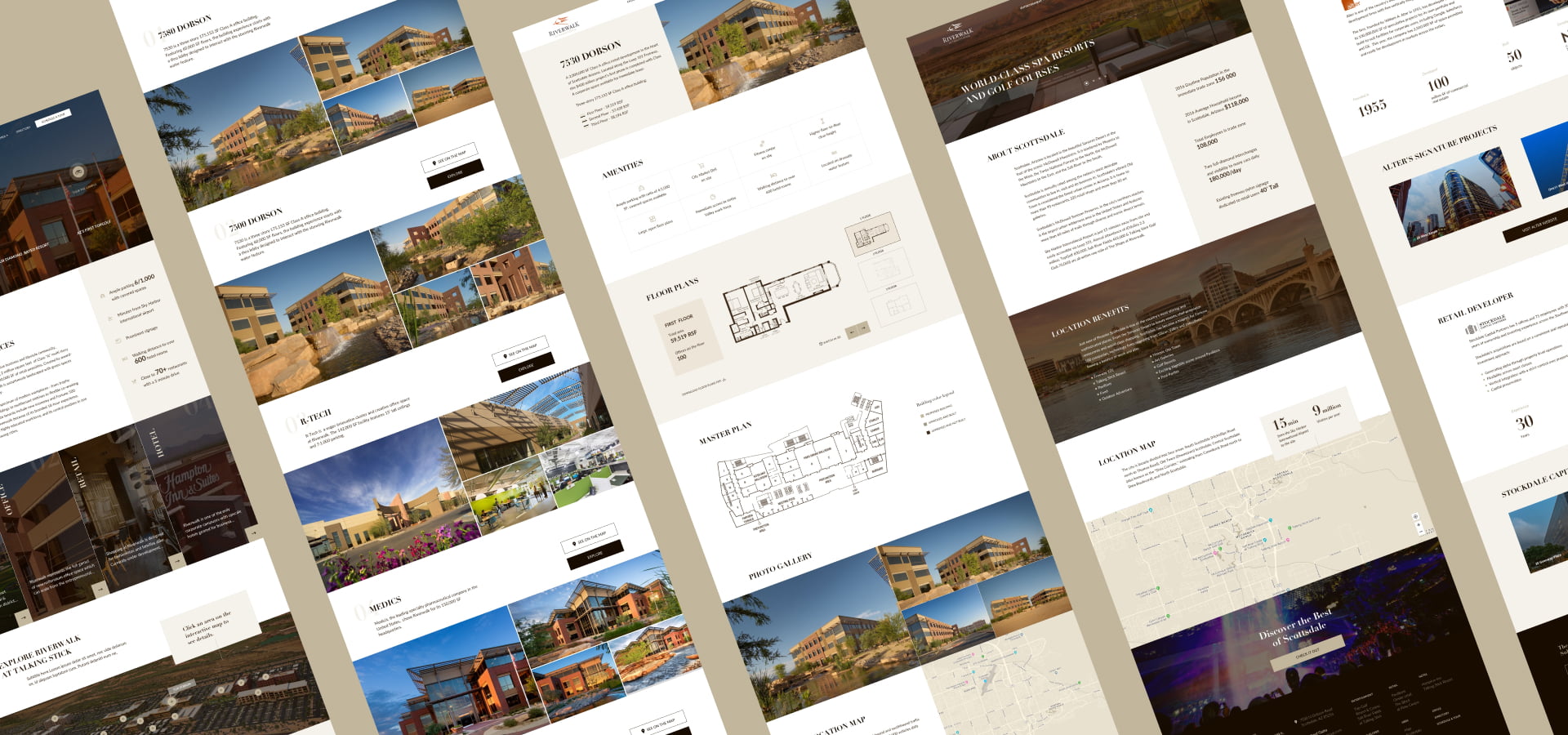
• we have decided on a sitemap (separate page for each building, and area type, must have a page about the developer etc)
• style direction became clear
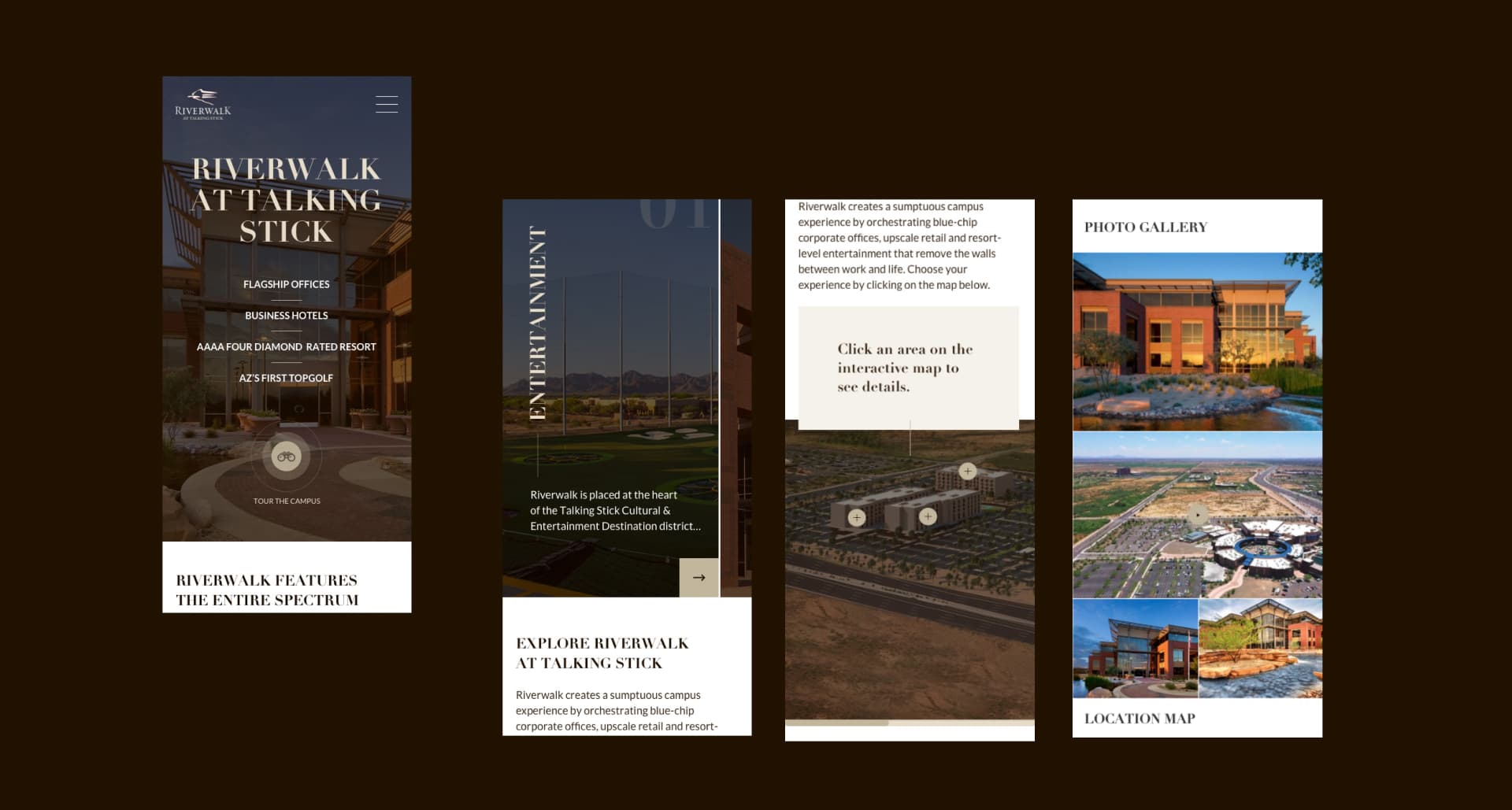
• we want to keep it simple and clear, including navigation
• main CTA is Tour the campus
• we need to give the immediate sense what this is about (about description, key data points)
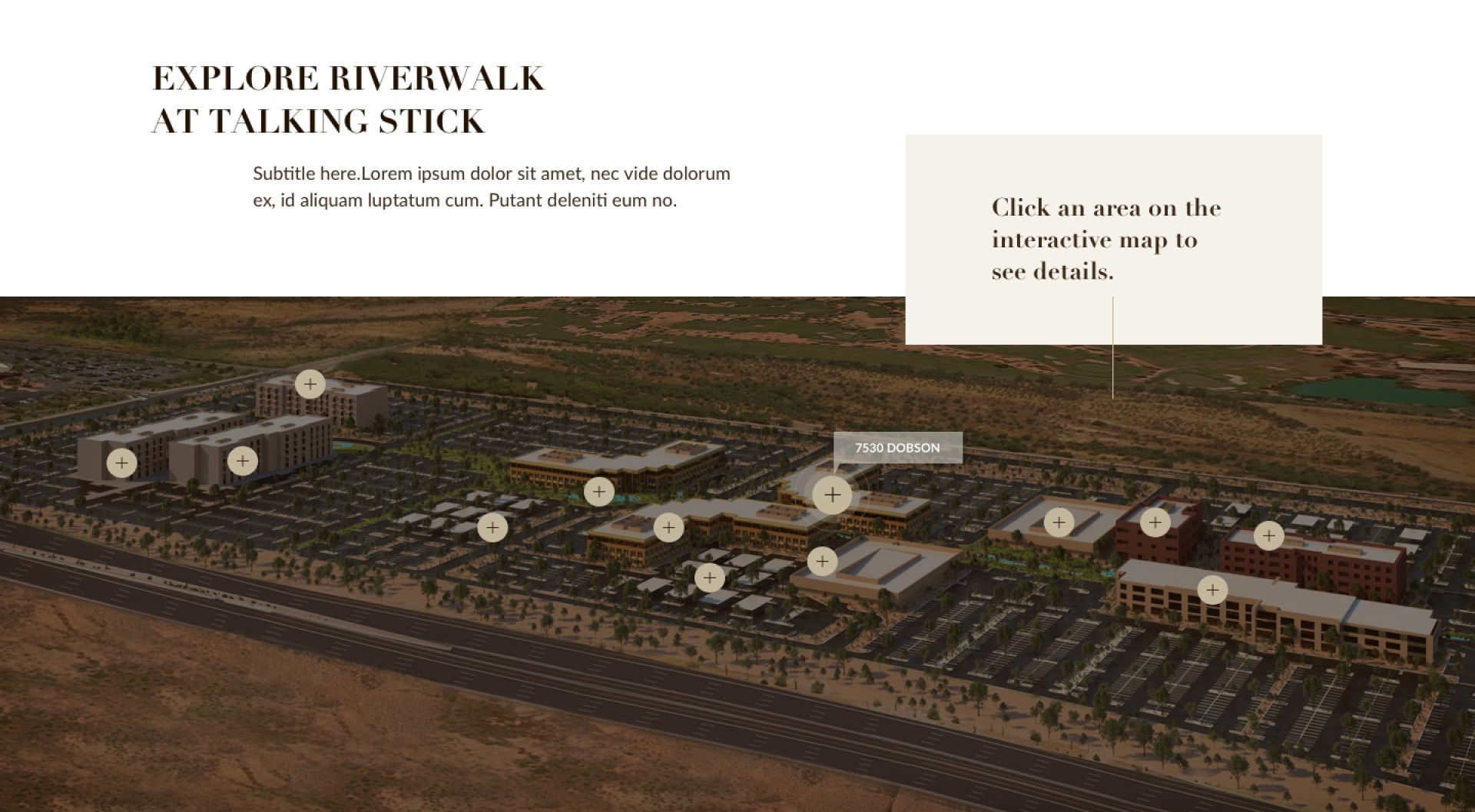
• we want to focus on visual part (images, map, videos) and not to overwhelm with text
•
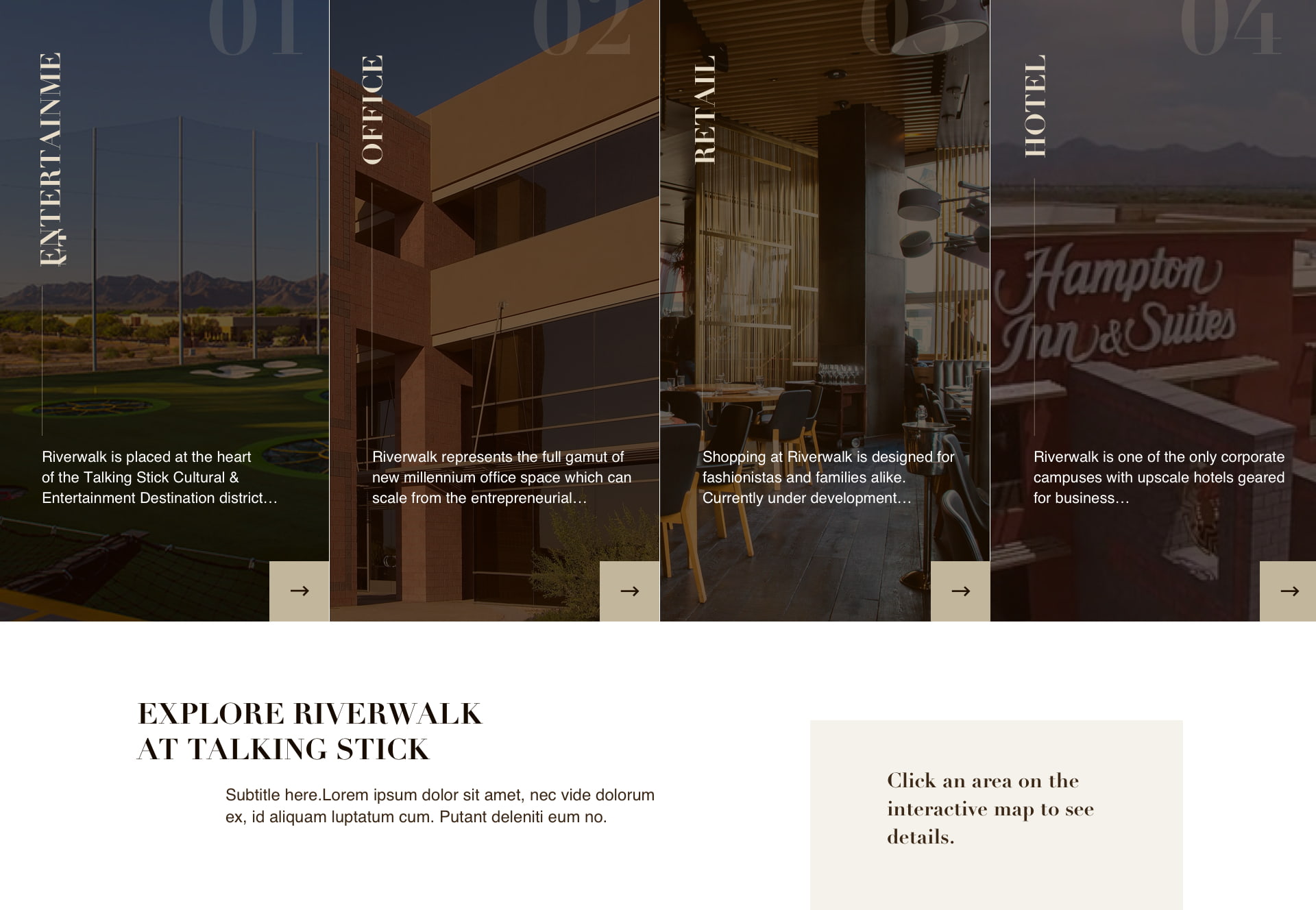
we want to separate the areas in this complex (restaurants, offices, hotels, retail) to give better understanding about its structure
.
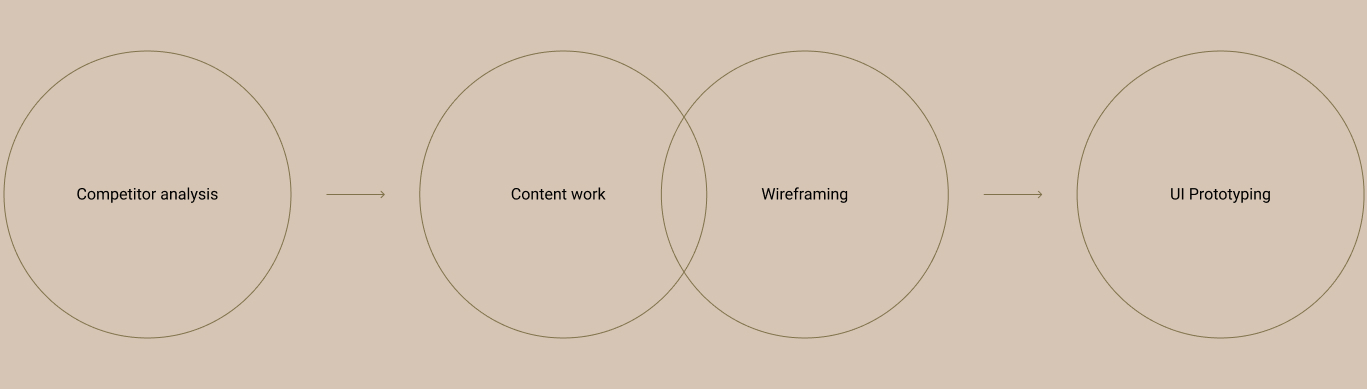
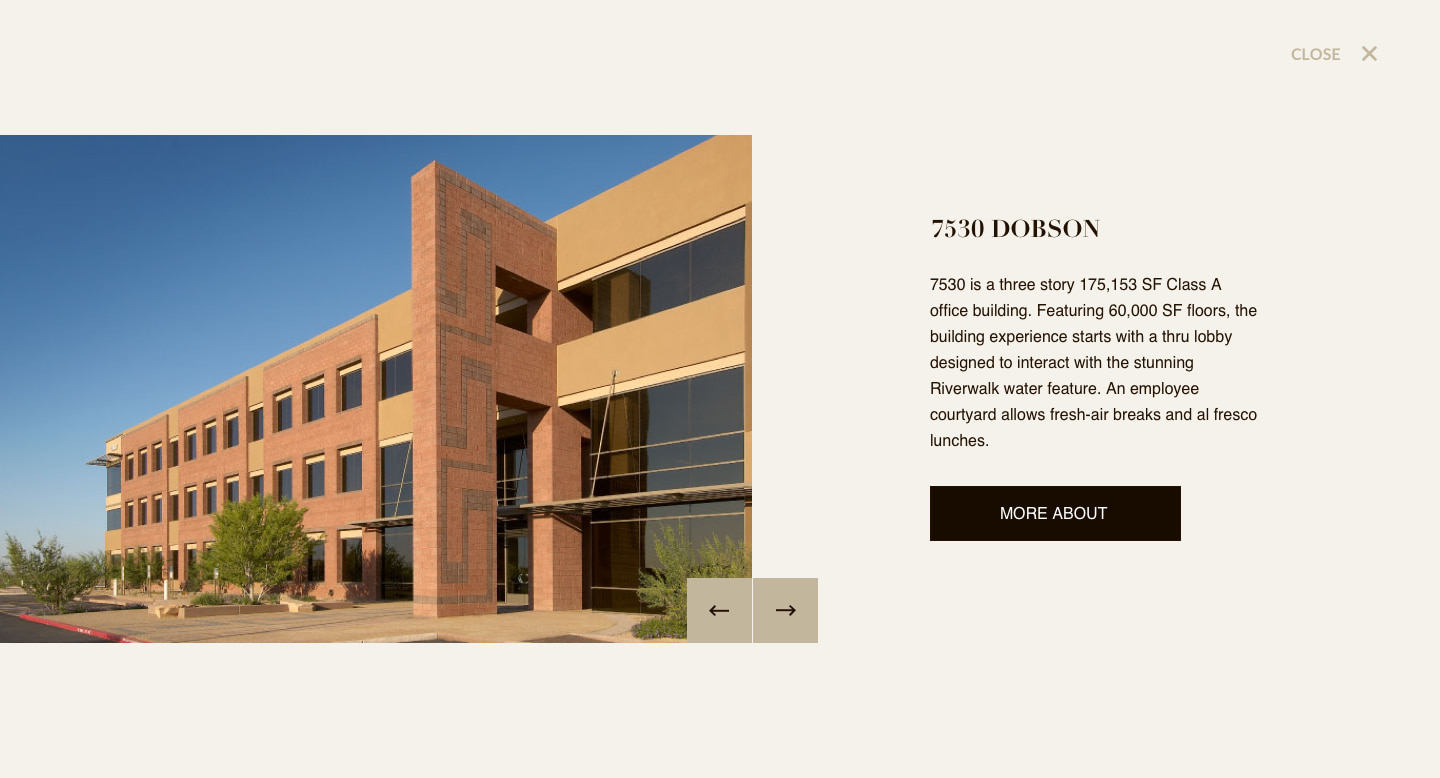
Based on that information I did a few rounds of wireframes as the team made some content changes. It was quite challenging as we did not have full content for all pages or sections, and it affected design desitions I made. When most of the wireframes were approved and I got to the UI stage. For this site, a minimalistic style was chosen, with a natural color palette in sandy brown tones, which emphasizes both the location of the object (Arizona) and the general color gamut of most of the objects in the complex.
There were couple of rounds of changes during UI stage before it was approved and sent to development.
This project wars a bit challenging in terms of content work and number of decision makers. But, it gave me a better understanding of how the workflow should be built, what aspects I need to take into consideration, it also made me look at the project from different perspective and hopefully taught me a good lesson in terms of team work and my design decitions.
Visit Website